Accessibility Pattern Hub
Compare WCAG 2.1 AA common baselines and design system implementations at a glance.
21
Patterns
6
Design Systems
93
Must Rules
59
Should Rules
All patterns
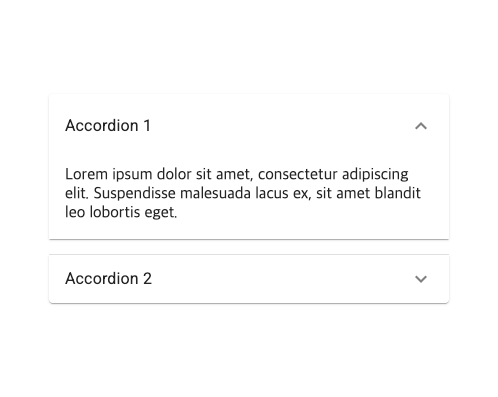
Accordion
A pattern for collapsing and expanding content by section

Alert / Toast
A notification component that delivers important messages without interrupting user tasks

Breadcrumb
A navigation component showing the hierarchical location of the current page
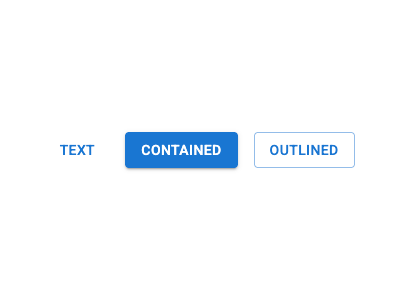
Button
The basic interactive element that triggers an action
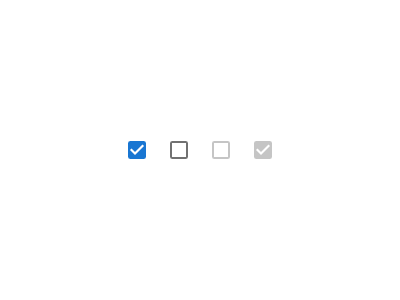
Checkbox
A checkbox pattern for selecting or deselecting items
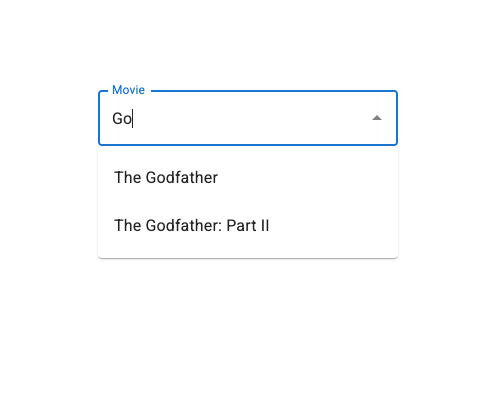
Combobox
An autocomplete pattern combining text input with a selection list
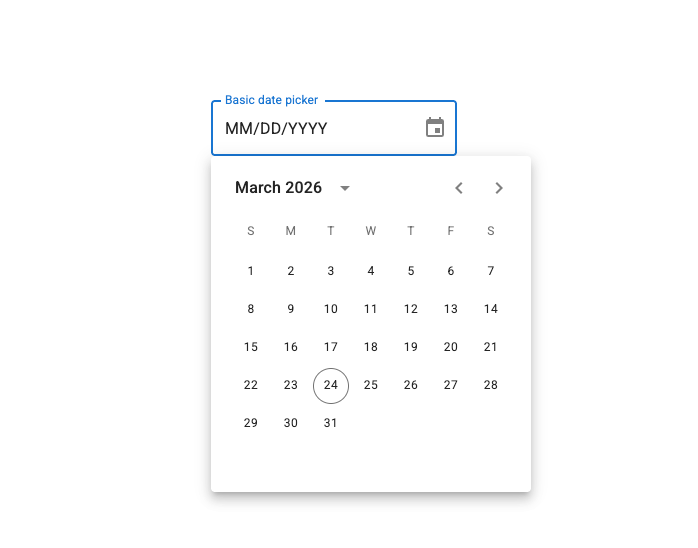
Date Picker
An input component for selecting dates with a calendar UI
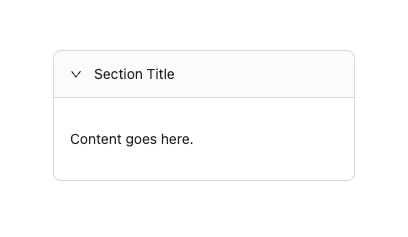
Disclosure
A pattern that shows or hides content when a button is clicked

Drawer
A side panel component that slides in from the edge of the screen
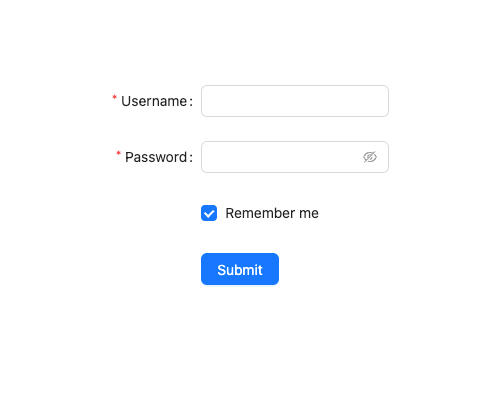
Form Validation
A form component with inline error messages and accessible validation
Link
A hyperlink pattern for navigating to other pages or resources
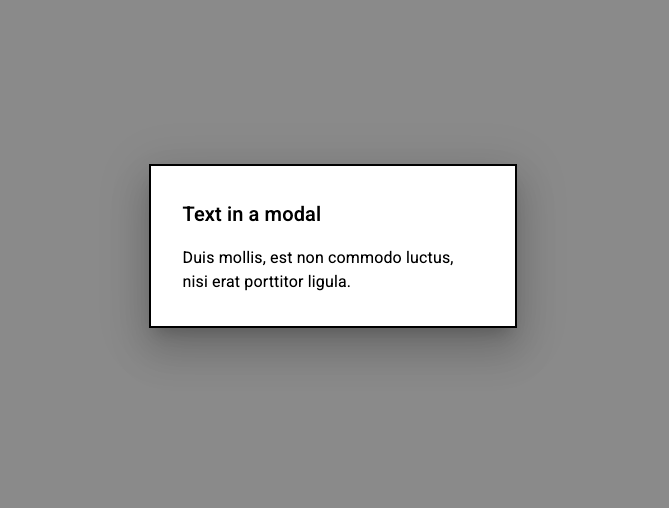
Modal Dialog
An overlay component that demands user attention and interrupts the current task
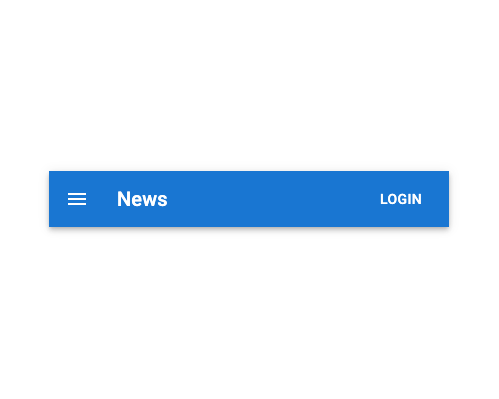
Navigation Menu
A site navigation component with dropdown submenus
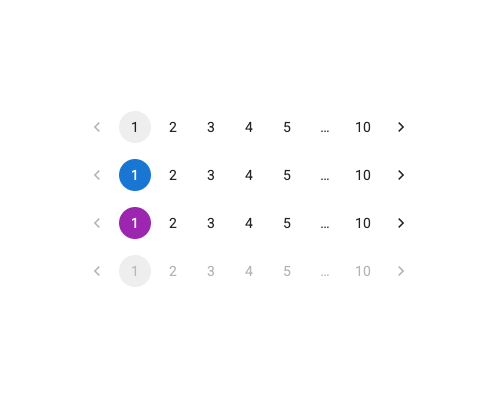
Pagination
A page number component for navigating multi-page content
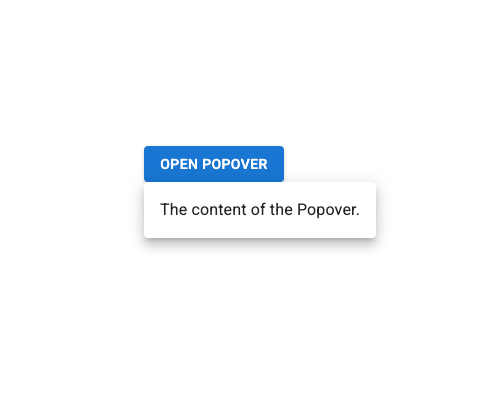
Popover
An interactive floating panel triggered by a button
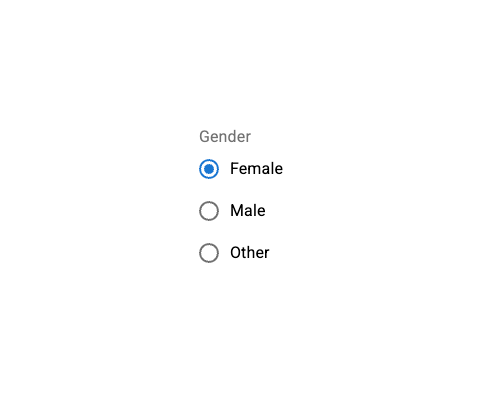
Radio Group
A group of radio buttons for selecting one option from several
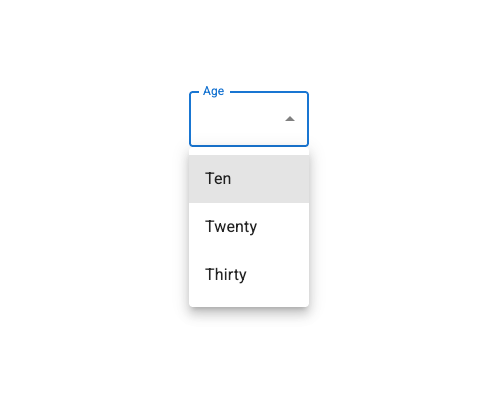
Select (Listbox)
A custom dropdown component for selecting one option from a list
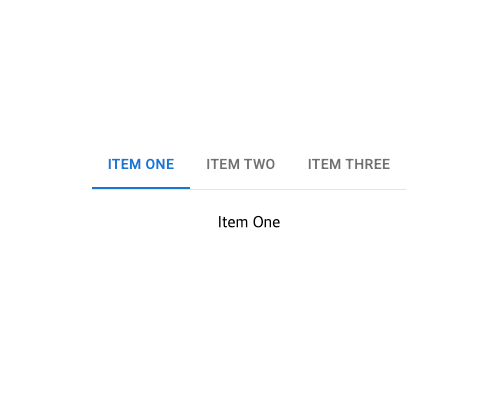
Tabs
A pattern for dividing content into tabbed sections and switching between them
Text Input
A form control for accepting text input from users
Toggle / Switch
A control for switching between two states (on/off)

Tooltip
A popup text pattern that provides additional information about an element
Design Systems